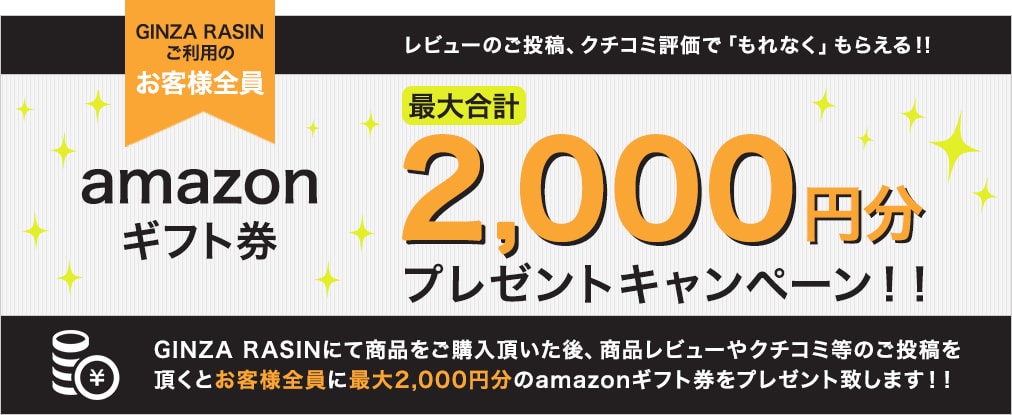
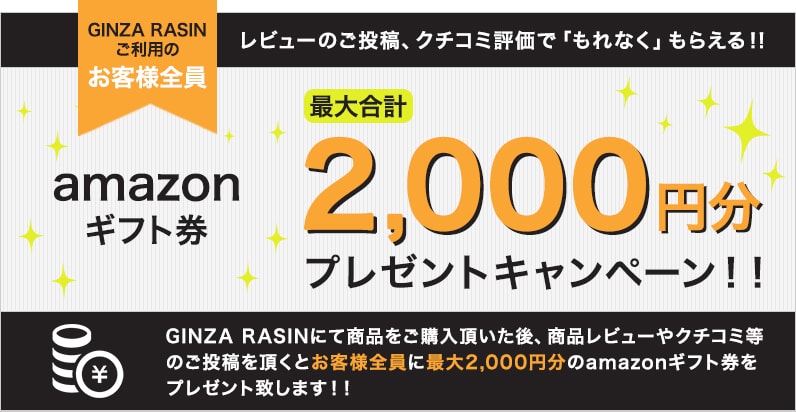
To everyone who purchases a product at GINZA RASIN and posts a review:
Get up to 2,000 yen in Amazon gift certificates!

The conditions for receiving the Amazon gift certificate are as follows. Please check the campaign application details for more information.
*Gift certificates will be awarded up to a maximum of 2,000 yen.
The conditions for receiving the Amazon gift certificate are as follows. Please check the campaign application details for more information.
*Gift certificates will be awarded up to a maximum of 2,000 yen.
Click here for instructions on how to submit your post.



Click here for instructions on how to submit your post.

Click here for instructions on how to submit your post.






Post ① How to submit reviews to each shopping site
How to submit a review on the official website
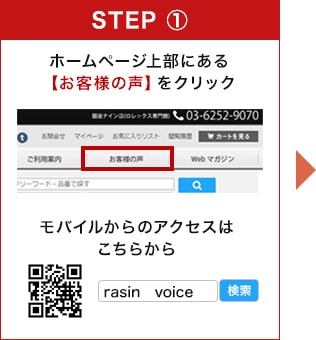
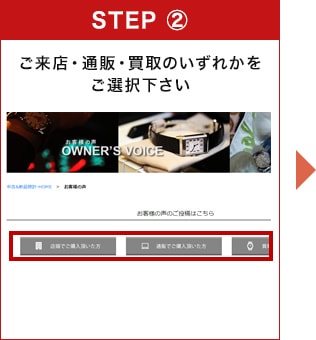
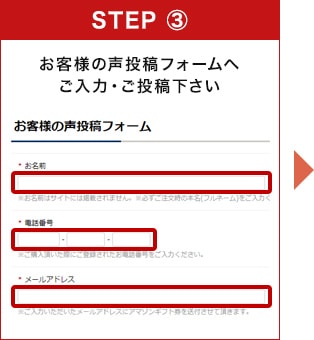
How to submit a review on Rakuten
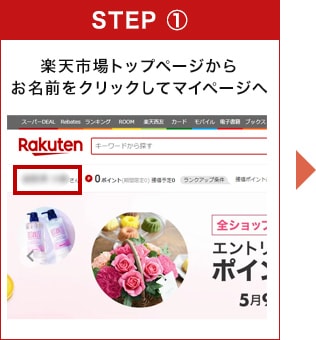
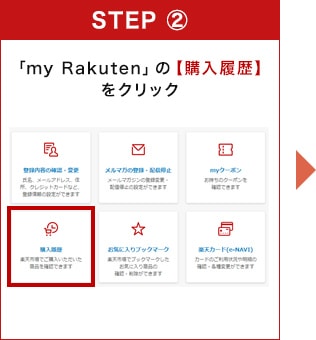
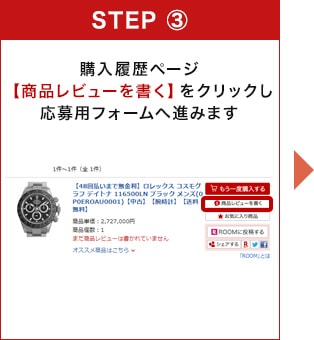
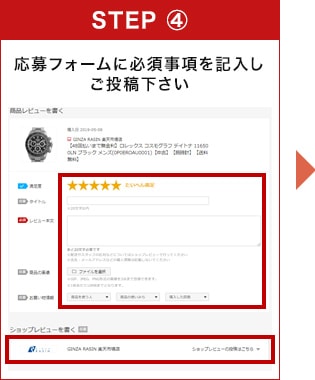
Please fill in the required fields from top to bottom.
*Please write a review for both the product and the shop.
Once you have finished writing everything, please click "Confirm" at the bottom of the screen.
*Please select "Public" in the profile selection field.
If you do not select "Public," we may not be able to identify your review and therefore may not be able to send you an Amazon gift certificate.
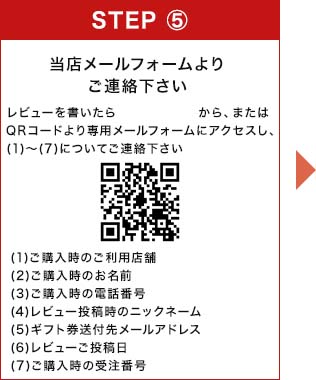
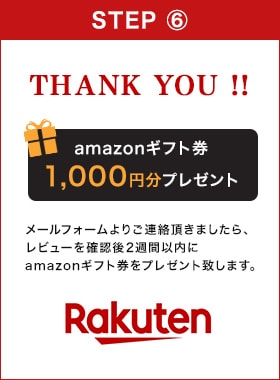
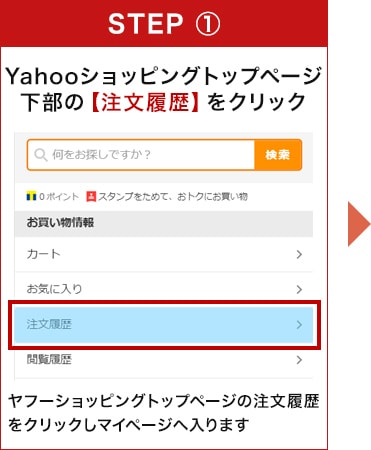
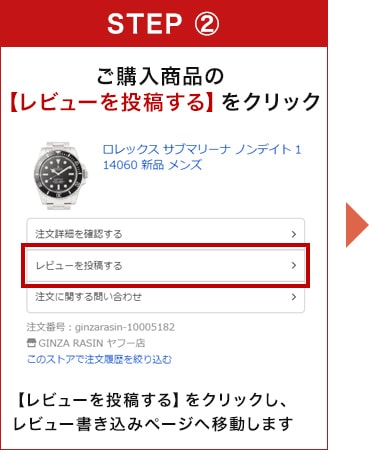
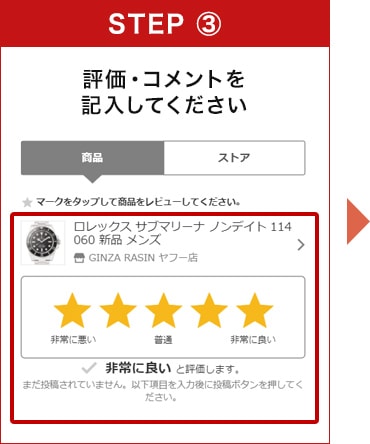
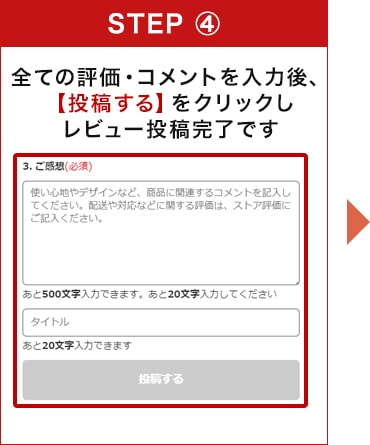
How to submit a review on Yahoo Shopping
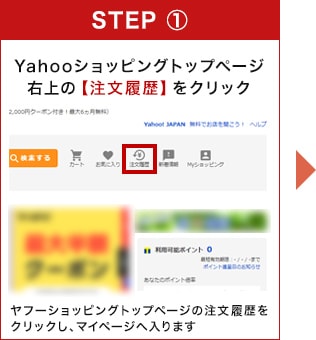
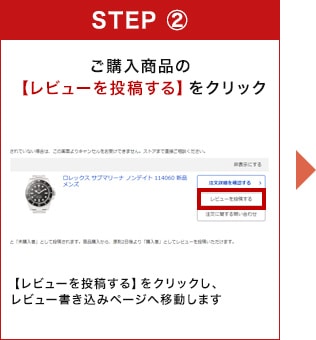
![Write your rating and comment and click [Submit].](https://www.rasin.co.jp/contents/images/review_gift/ys_step3.jpg?ver1.0)
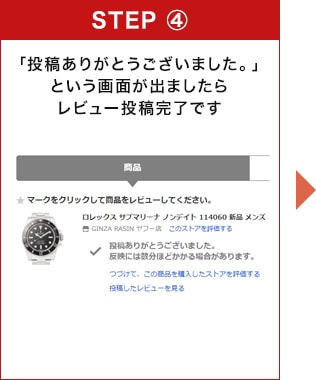
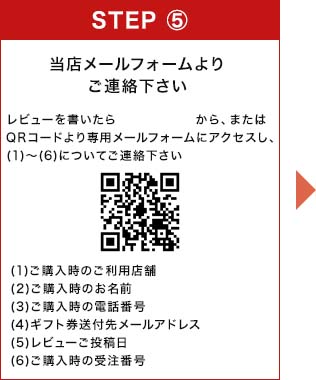
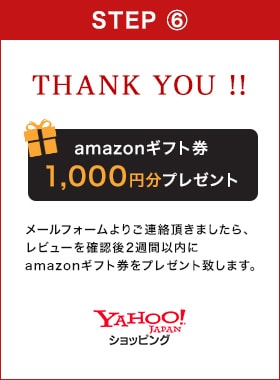

How to submit a review on the official website
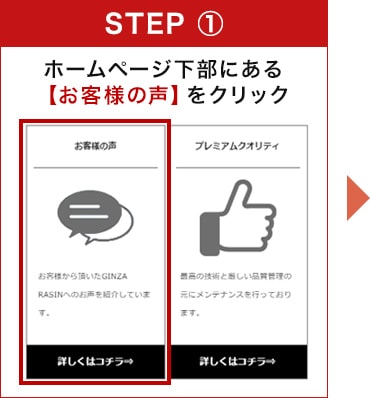
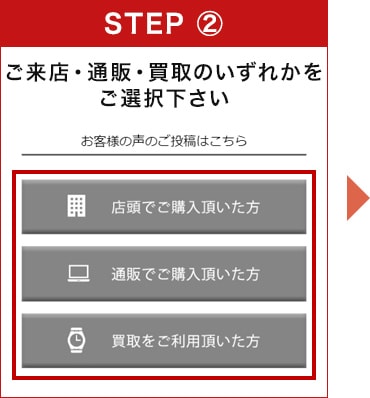
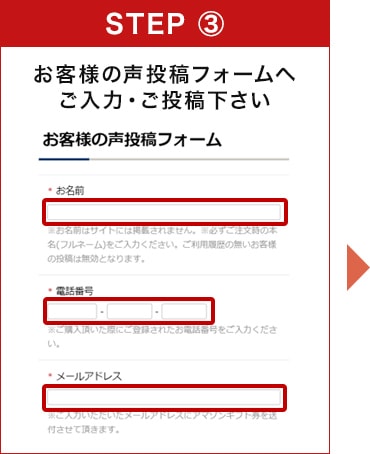
How to submit a review on Rakuten
![Log in to your My Account by clicking [Login] on the Rakuten Market homepage.](https://www.rasin.co.jp/contents/images/review_gift/smp_rt_step1.jpg?ver1.0)
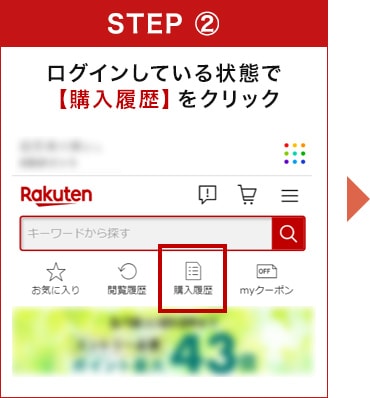
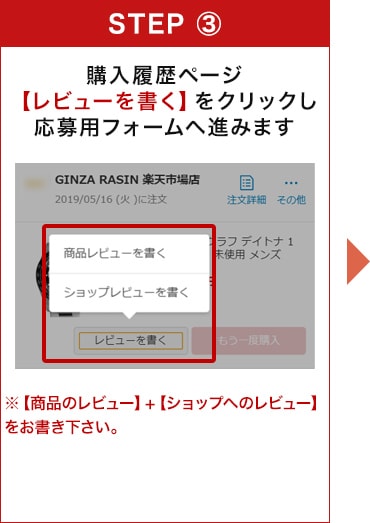
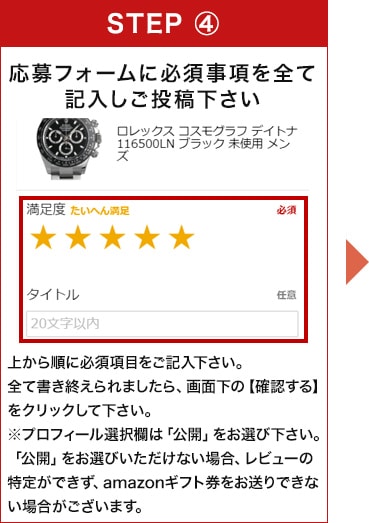
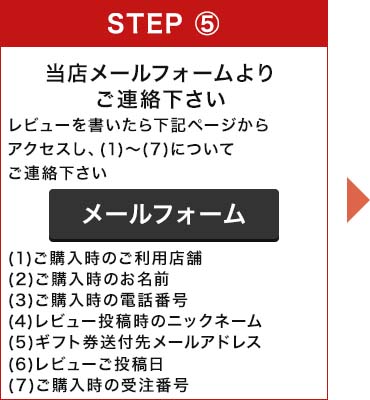
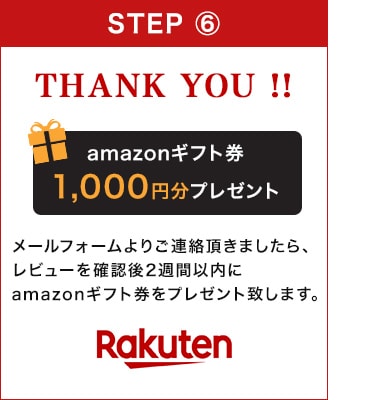
How to submit a review on Yahoo Shopping
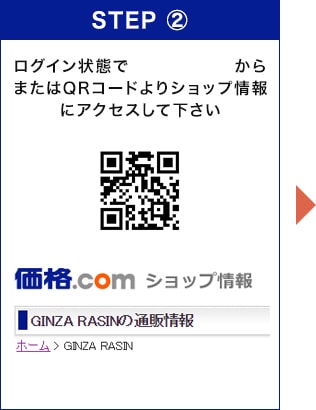
![Click the [Submit button] for shop reviews.](https://www.rasin.co.jp/contents/images/review_gift/kakaku_step3.jpg?ver1.0)
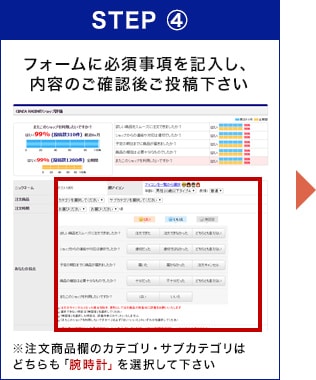
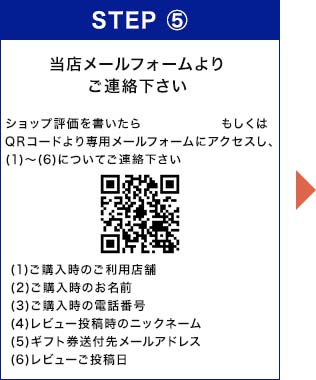
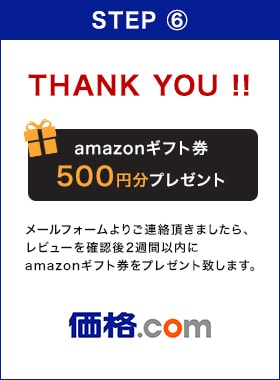

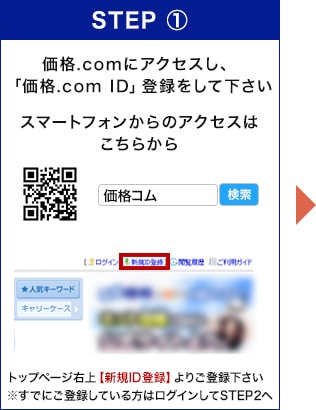
How to submit a shop review on Kakaku.com
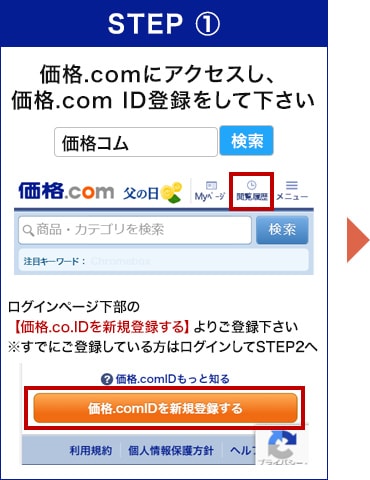
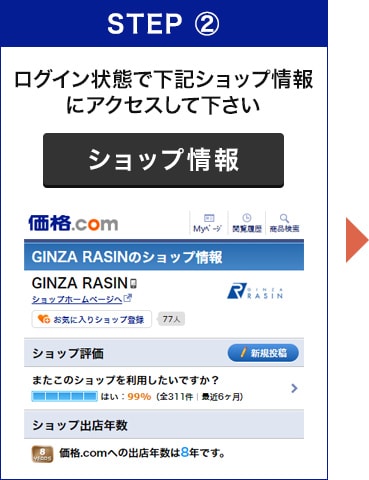
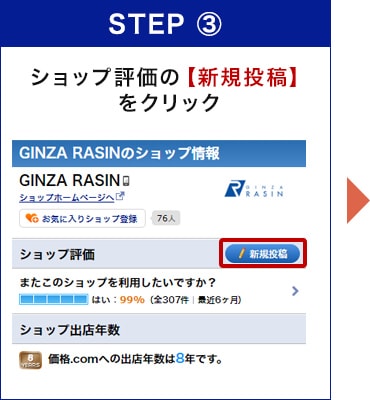
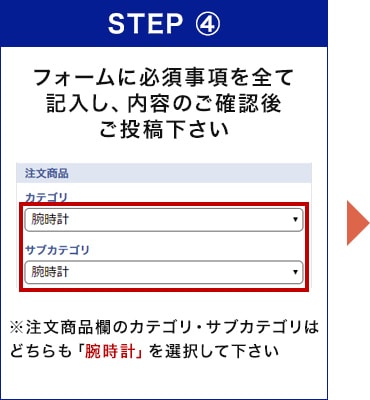
Follow our official account and post on social media.
Follow our official account and post on social media.
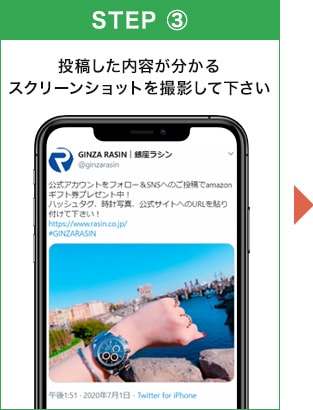
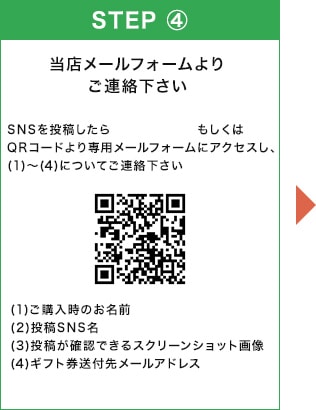

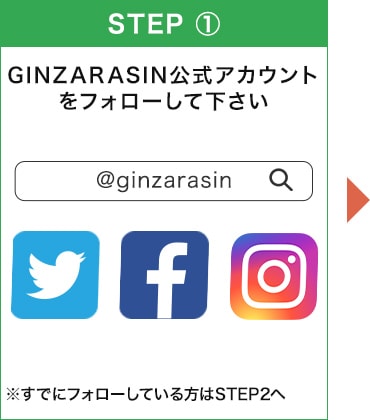
Follow our official account and post to us.
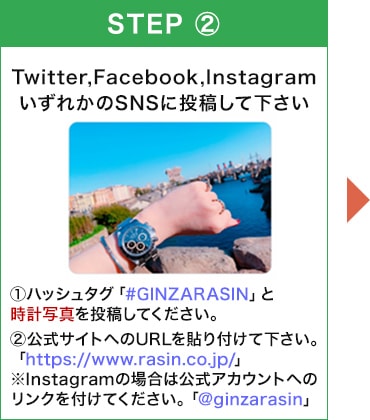
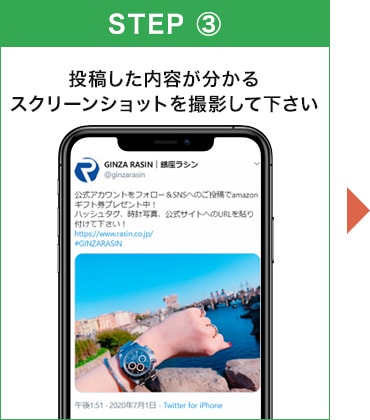
Here's how to take a screenshot.
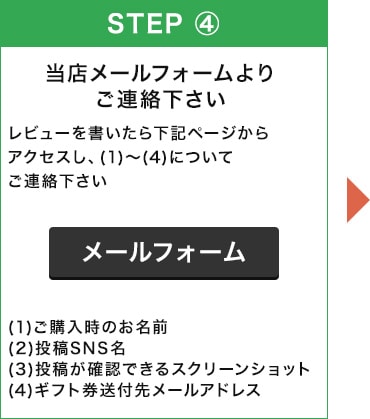
Campaign Application Overview

Post Summary and Notes
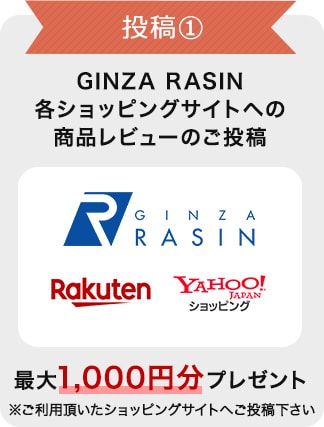
Post ①
Posting reviews on various shopping sites (official website, Rakuten, Yahoo Shopping)
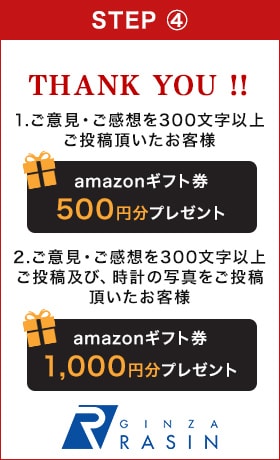
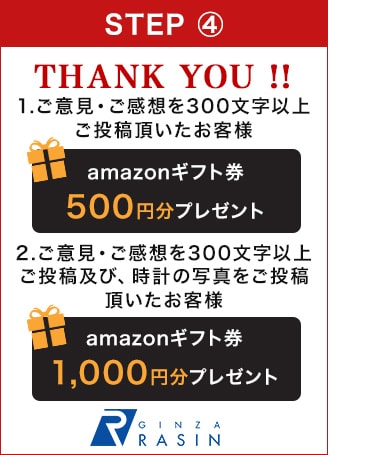
Customers who submit comments or feedback of 300 characters or more to our official website:
Get a 500 yen Amazon gift certificate!
・Customers who submit comments/feedback of 300 characters or more and photos to the official website:
Get a 1,000 yen Amazon gift certificate!
Customers who have submitted a product review and a shop review to Rakuten:
Get a 1,000 yen Amazon gift certificate!
・Customers who have submitted a review to Yahoo Shopping:
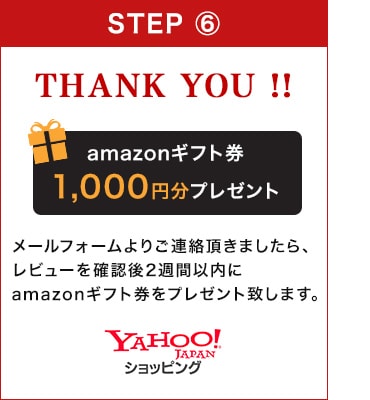
Get a 1,000 yen Amazon gift certificate!
*If your comments/feedback on our official website are less than 300 characters, we will not be able to send you an Amazon gift certificate.
*Please post this to the shopping site where you made your purchase.
*Customers who used Yahoo! Auctions should post their comments on the official website.
Post ②
Post a shop review or customer review on Kakaku.com
Customers who have submitted a shop review to Kakaku.com:
Get a 500 yen Amazon gift certificate!
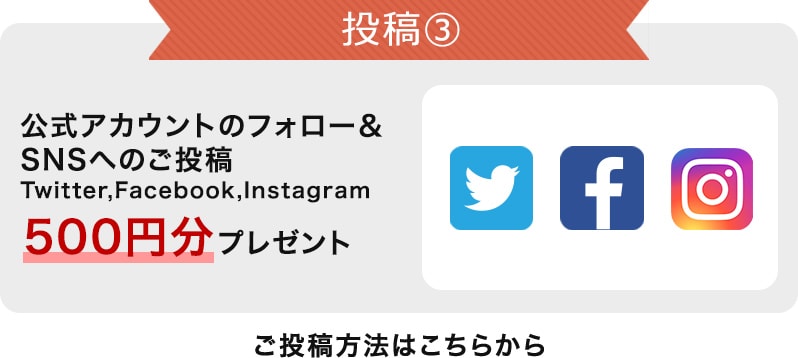
Post 3
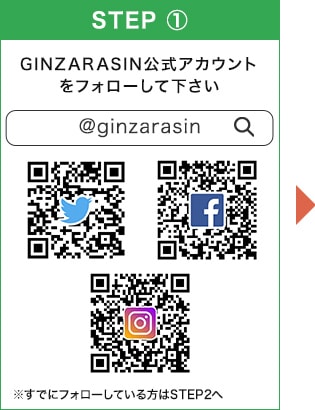
Follow our official account & post on social media
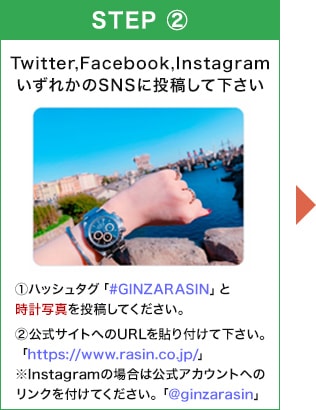
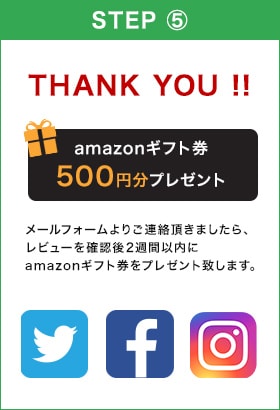
Customers who posted on social media:
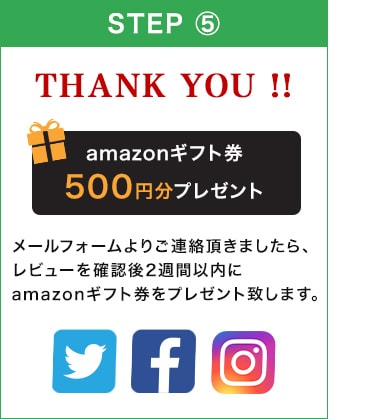
Get a 500 yen Amazon gift certificate!
*Please post a photo of your watch with the hashtag "#GINZARASIN".
*Please paste the URL to the official website: "https://www.rasin.co.jp/"
For Instagram, please include a link to the official account: "@ginzarasin"
Precautions
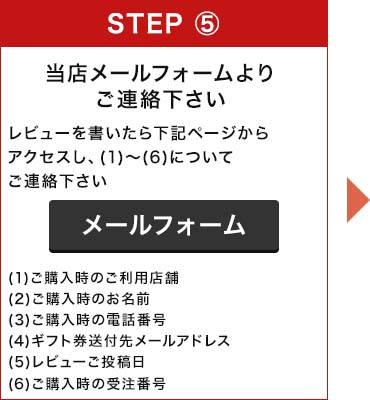
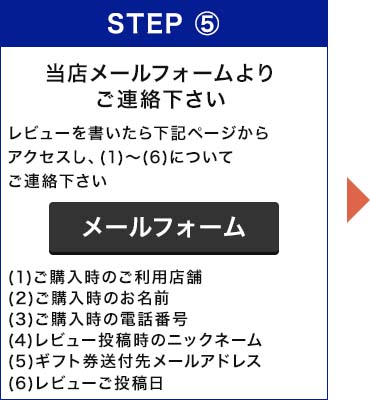
※レビューは無記名またはニックネームでの投稿となるため、当店では投稿者を確認できません。必ずメールフォームよりご連絡をお願い致します。
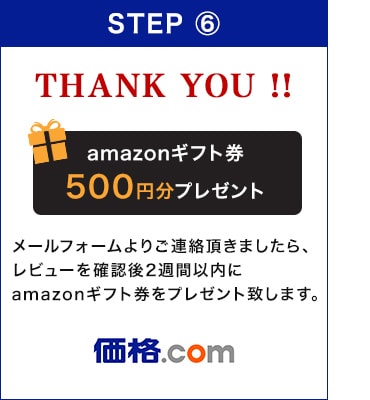
※ご投稿頂いた後、2週間以内にamazonギフト券番号をEメールにてお送り致します。
※ギフト券送付先メールアドレスに誤りがありますとギフト券をお送りできませんので、入力の際はお間違えの無いようご注意下さい。
※ドメイン指定受信を利用されている場合は「gc-orders@gc.email.amazon.co.jp」からのメールを受信できるよう予め設定してください。
※事情により、キャンペーン内容を予告なく変更または終了する場合がございます。
※ギフト券プレゼント期限はご購入日より一年間とさせて頂きます。
※ギフト券プレゼント対象は、当店で時計をご購入された方に限定させて頂きます。